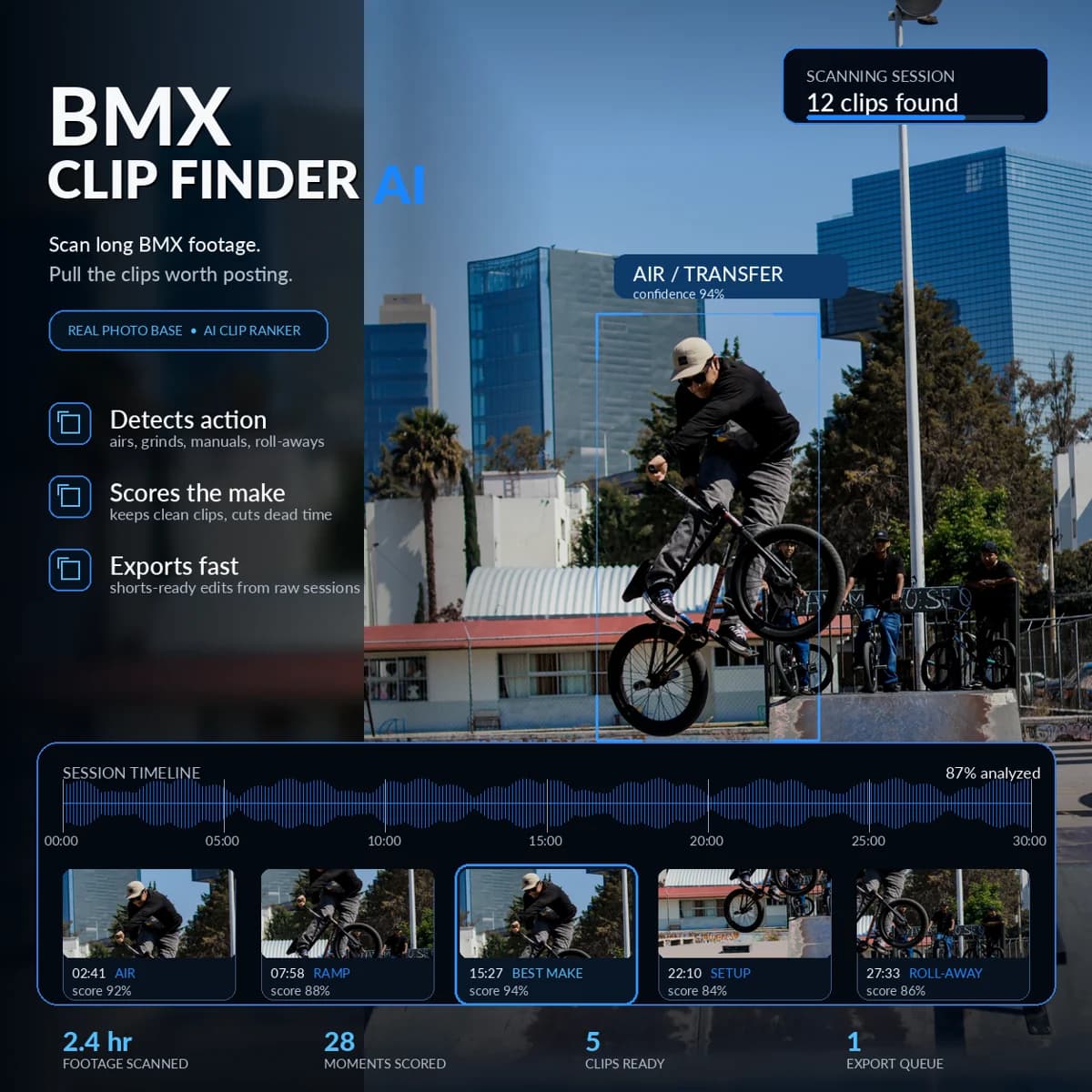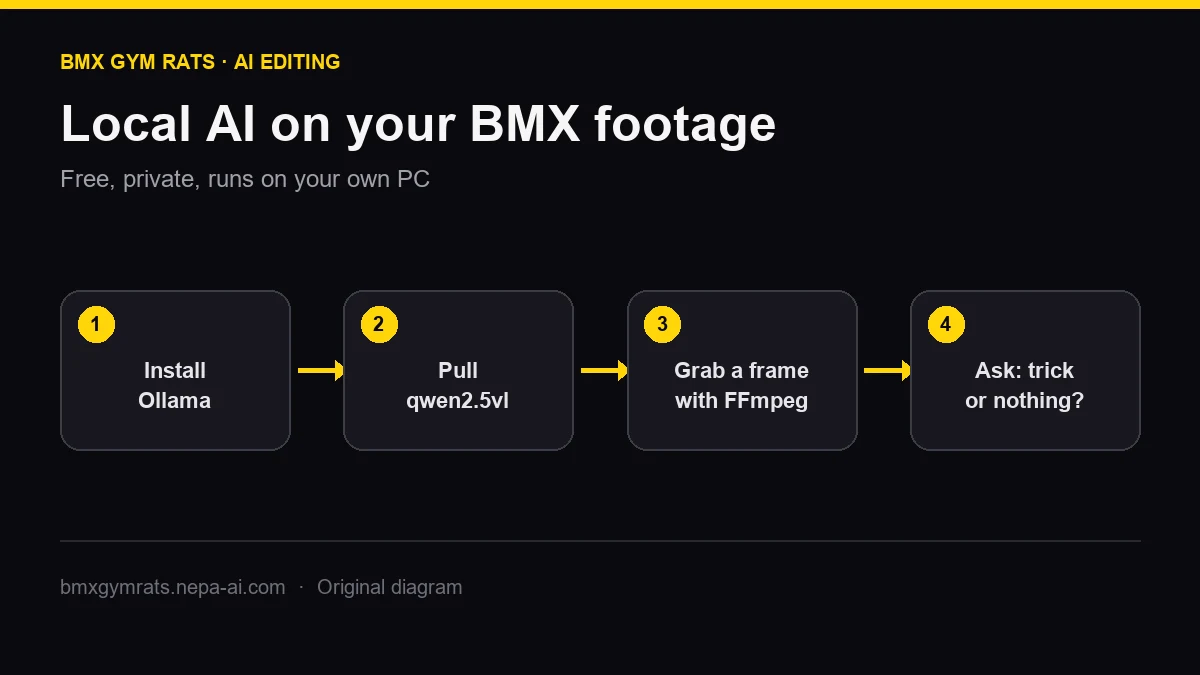
You do not need a subscription or an AI company's servers to get a computer to look at your BMX footage. A free tool called Ollama downloads open AI models to your own PC and runs them there. Your clips never leave your hard drive.
This guide gets a BMX rider from zero to "my computer just told me whether this frame is a trick or someone standing around" in about 20 minutes. It is the first step before automating real edits.
What Ollama actually is
Ollama is a free app for Windows, macOS, and Linux that downloads and runs open AI models locally. After it's installed, it runs in the background, gives you an ollama command in PowerShell or Terminal, and serves a local API at http://localhost:11434.
For video work, the model that matters is a vision-language model: one that can read an image and answer questions about it. We'll use Qwen2.5-VL, the same model family behind our BMX Clip Extractor.
Can your computer run it?
Be honest about your hardware before you download anything big. Per Ollama's Windows documentation, you need:
- Windows 10 22H2 or newer (Home or Pro).
- For NVIDIA cards, driver 551.61 or newer. AMD Radeon cards run through ROCm or Vulkan.
- At least 4 GB of disk for the app itself, plus room for models, which can run from a few GB to hundreds.
The two Qwen2.5-VL sizes worth starting with:
| Model tag | Download size | Rough fit |
|---|---|---|
qwen2.5vl:3b | 3.2 GB | Entry gaming GPUs; fastest to test |
qwen2.5vl:7b | 6.0 GB | Mid-range and better GPUs; better judgment |
The download sizes come from the Ollama model library. The "fit" column is a starting point, not a benchmark. Run the 3B model first, watch your GPU memory in Task Manager, and step up only if there's headroom. If your laptop has no dedicated GPU, Ollama may still run on the CPU, but it'll be slow. Skip to the cloud GPU guide instead of fighting it.
Step 1: Install Ollama
- Download the Windows installer from ollama.com/download.
- Run
OllamaSetup.exe. It installs into your user folder and doesn't need Administrator rights. - Open PowerShell and confirm it works:
ollama --version
Short on C: drive space? Models live in %HOMEPATH%\.ollama by default. Set a user environment variable named OLLAMA_MODELS pointing at a bigger drive, such as D:\ollama-models, then restart Ollama before pulling models.
Step 2: Pull a vision model
ollama pull qwen2.5vl:3b
That's a one-time 3.2 GB download. Then try a quick chat to make sure it loads:
ollama run qwen2.5vl:3b "Say ready if you can see images."
Type /bye to exit.
Step 3: Grab a frame from your footage
You need FFmpeg, the free tool nearly every video app uses under the hood. Install it, make sure ffmpeg -version works, then pull a single frame from a session clip at the timestamp where something happens:
ffmpeg -ss 00:02:41 -i "D:\BMX\raw\session.MP4" -frames:v 1 -q:v 2 "D:\BMX\frame.jpg"
Step 4: Ask the model what's happening
This sends the frame to your local model and asks for a riding decision:
$img  = [Convert]::ToBase64String([IO.File]::ReadAllBytes("D:\BMX\frame.jpg"))
$body = @{
  model  = "qwen2.5vl:3b"
  prompt = "This is a frame from BMX footage. Answer TRICK, SETUP, or NOTHING, then one sentence explaining why."
  images = @($img)
  stream = $false
} | ConvertTo-Json

(Invoke-RestMethod -Uri "http://localhost:11434/api/generate" -Method Post -Body $body -ContentType "application/json").response
Try it on a frame mid-air, a frame of someone rolling up to the spot, and a frame of the crew sitting on the ledge. Watch where it's right, and more importantly, where it's wrong.
What this proves, and what it doesn't
You've just run the core idea behind AI-assisted BMX editing: a model looks at sampled frames and decides whether riding is happening. Do that every couple of seconds across a 30-minute session, merge the "riding" moments into time ranges, and let FFmpeg cut them out losslessly. That's how you go from raw footage to a pile of clips without scrubbing the timeline yourself.
It doesn't make a finished edit. One frame can't tell a make from a bail. Distant trail riders and dim park footage are harder than close-up street. A real pipeline needs sampling rules, clustering, padding before and after each trick, and a review step.
Where to go next
- Automate it: How to automate BMX video editing with AI walks through the full extraction workflow and what our Clip Extractor does with these same models.
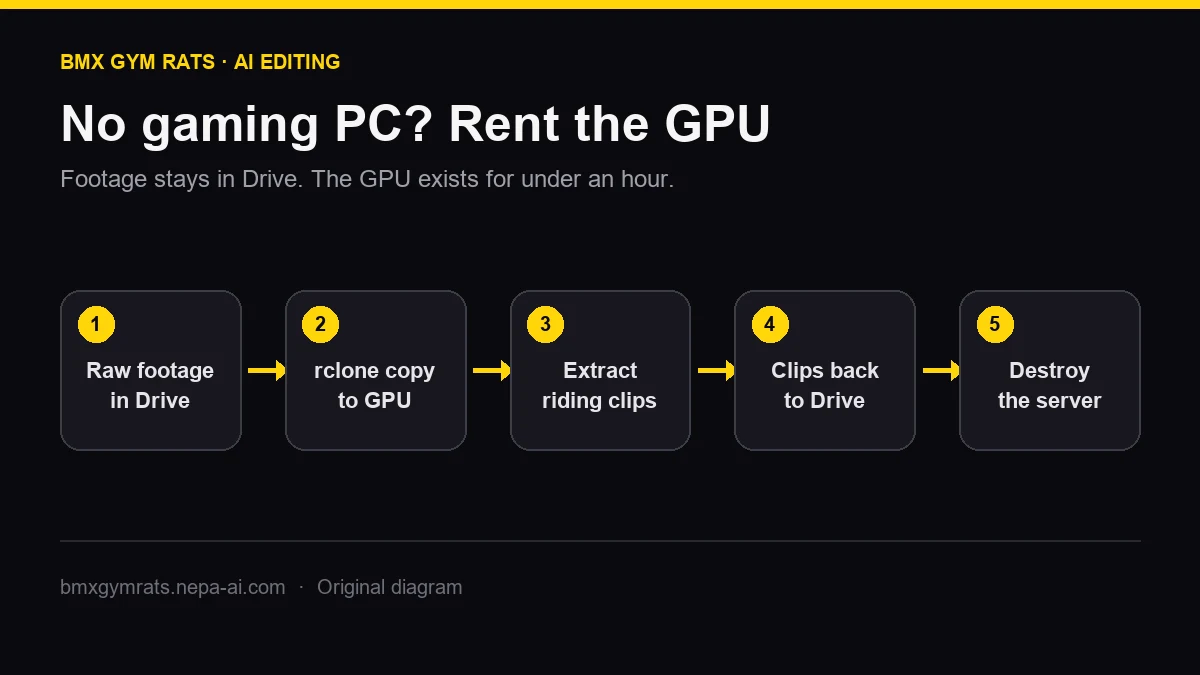
- No GPU? Edit BMX footage with a cloud GPU shows how to keep footage in Google Drive and rent a GPU by the minute.
- Filming gear: pick a camera from the action camera guide so the model has clean footage to work with.
One technical note for people who go deeper: Ollama is the easiest on-ramp for testing whether your machine handles vision models. The Clip Extractor loads Qwen through Hugging Face Transformers directly on an NVIDIA GPU, because earlier Ollama-based versions pushed vision work into system RAM and slowed down. Ollama is the right tool for learning. The extractor is the right tool for processing hours of footage.